An inbox that carries your name
When I say your email, your domain, I mean an address like you@yourbusiness.com instead of yourbusiness@gmail.com. It is the same name people already type to find your website, now sitting at the end of every email you send.
Why it matters more than it looks
See PlansA free Gmail or Yahoo address works, but it tells people you are borrowing someone else's name. An address on your own domain tells them the business is real, the website and the inbox belong together, and they are talking to the right people. It also makes it a lot harder for someone to pretend to be you, which I will get into further down.
Here is the part most people miss. You own the domain, so you own the address. If you ever switch providers, change plans, or even change who builds your website, you@yourbusiness.com stays yours. Your customers never have to update a thing.
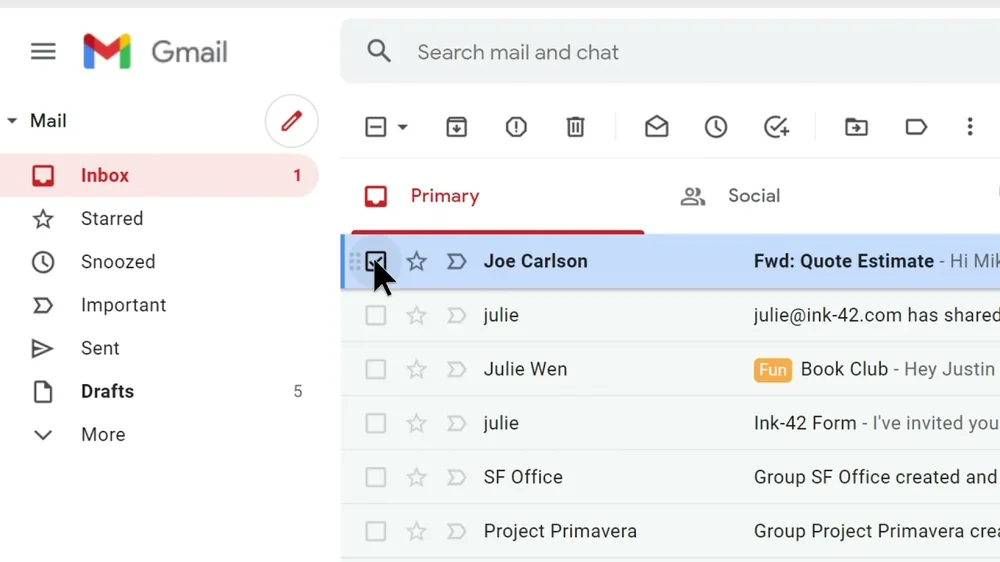
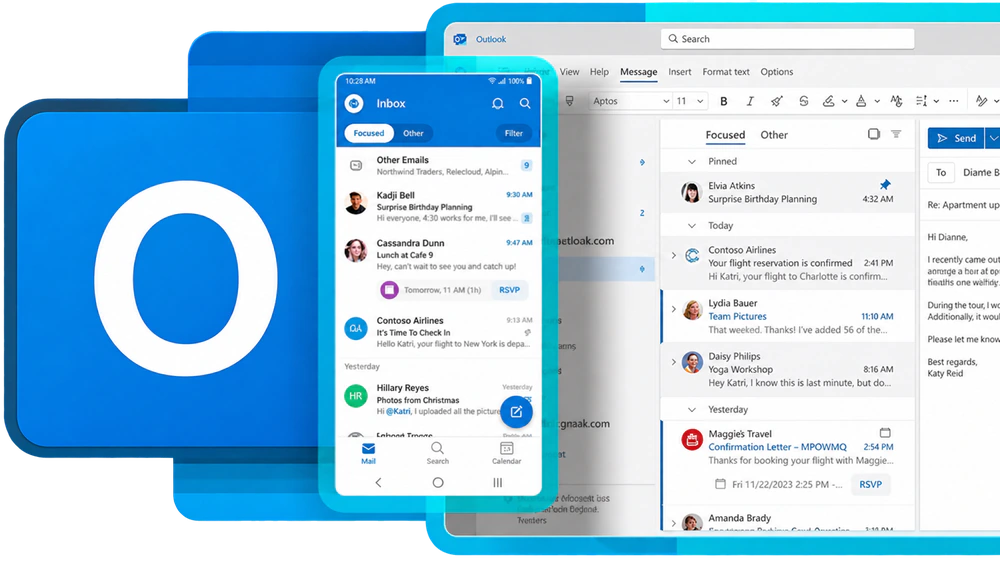
And no, you do not have to learn a new app. The inboxes I set up work in the apps you already know, like Gmail on the web, Outlook on your phone, or the provider's own app.
Trusted providers, not shared server mail
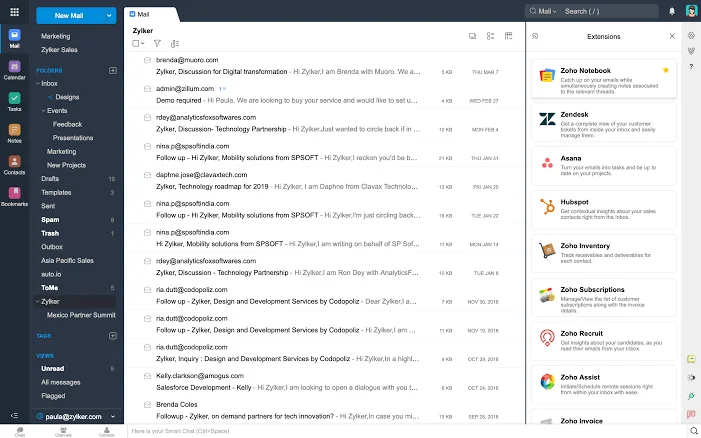
See PlansThe buttons at the top of this page are Zoho, Google, and Microsoft Outlook. They are examples, not a limit. They are the ones I recommend most because major professional businesses run on them every single day, and they take security and delivery seriously.
Why I steer people away from shared hosting mail
Some web hosts throw in email for next to nothing. The catch is that your mail usually goes out from a server shared with hundreds or even thousands of other accounts. If one of them gets hacked or starts sending spam, that server's reputation drops, and everyone on it can start landing in spam folders or getting blocked outright, you included. You end up paying for somebody else's mistake, and for a business that is not worth the few dollars you save.
- Zoho Mail
- from $1 per person a month
- Mail Lite, billed yearly, with 5 GB per inbox, or $1.25 for 10 GB. The most budget friendly way to get a real business inbox. Great for small teams that mainly need solid email.
- Google Workspace
- $7 per person a month
- Business Starter on a yearly plan ($8.40 month to month) with 30 GB of storage per person. You get Gmail plus Drive, Docs, Sheets, Calendar, and Meet, all under your business name. Business Standard is $14 with 2 TB each. Great for teams that live in Google's tools.
- Microsoft 365
- $7 per person a month
- Business Basic on a yearly commitment, with at least a 50 GB mailbox plus Outlook, Teams, and OneDrive. Only need email? Exchange Online Plan 1 is $4. Great for offices that already run on Outlook.
These are US list prices from each provider's own site, checked in September 2026. Providers change their pricing now and then, so I always confirm the current numbers with you before we sign up for anything.
How I actually connect it
See PlansYour website and your email are two separate services that share one domain. What ties them together is your domain's DNS, the public list of records that tells the internet where everything lives. Because I build and host your site myself through GitHub and Cloudflare, I manage those records directly. That is why I can connect pretty much any email provider you want. It really just comes down to setting the right records the right way.
- MX
- Tells the world which provider receives your mail. On Cloudflare, anything that handles mail has to stay DNS only, never proxied, or your messages cannot reach the provider.
- SPF
- Lists who is allowed to send email as your domain.
- DKIM
- A digital signature on every message, proving it really came from you and was not changed along the way.
- DMARC
- Tells Gmail, Outlook, and everyone else what to do with mail that fails those checks. This is what makes it hard for scammers to send email pretending to be you.
Since 2024, Gmail requires everyone sending to it to have SPF or DKIM in place, and large senders need all three. Mail without them can get slowed down or rejected, so I set up every one of them on every domain, no matter how small the business is.
Already have a business email?
Good, we keep it. If you are happy with your provider and just getting a new website, I carry your existing email records over exactly as they are, so your inbox keeps working the whole time. If you are moving to a new provider, I do it carefully so nothing gets lost:
- A day or two ahead, I shorten how long the internet remembers your old mail records, so the switch spreads fast.
- I set up the new inboxes and copy your old mail, folders, and contacts over before anything changes.
- I point your records at the new provider and keep the old one running for a bit, so any message already on its way still gets caught.
- I test sending and receiving on every address before I call it done.
Starting from scratch?
Even simpler. We pick a provider together, I create your addresses, set every record, and make sure everything works with your website from day one.